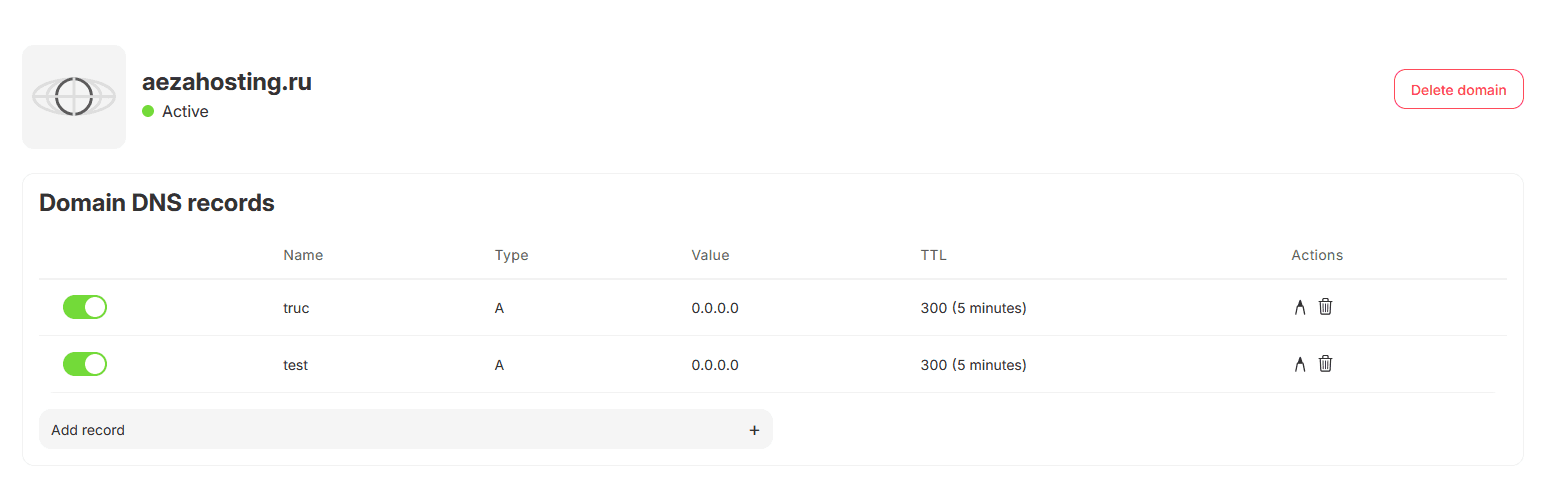
Transferring DNS Management of a Domain to Aéza
This article explains how to transfer DNS management of a domain registered with a third-party registrar to the Aéza control panel.
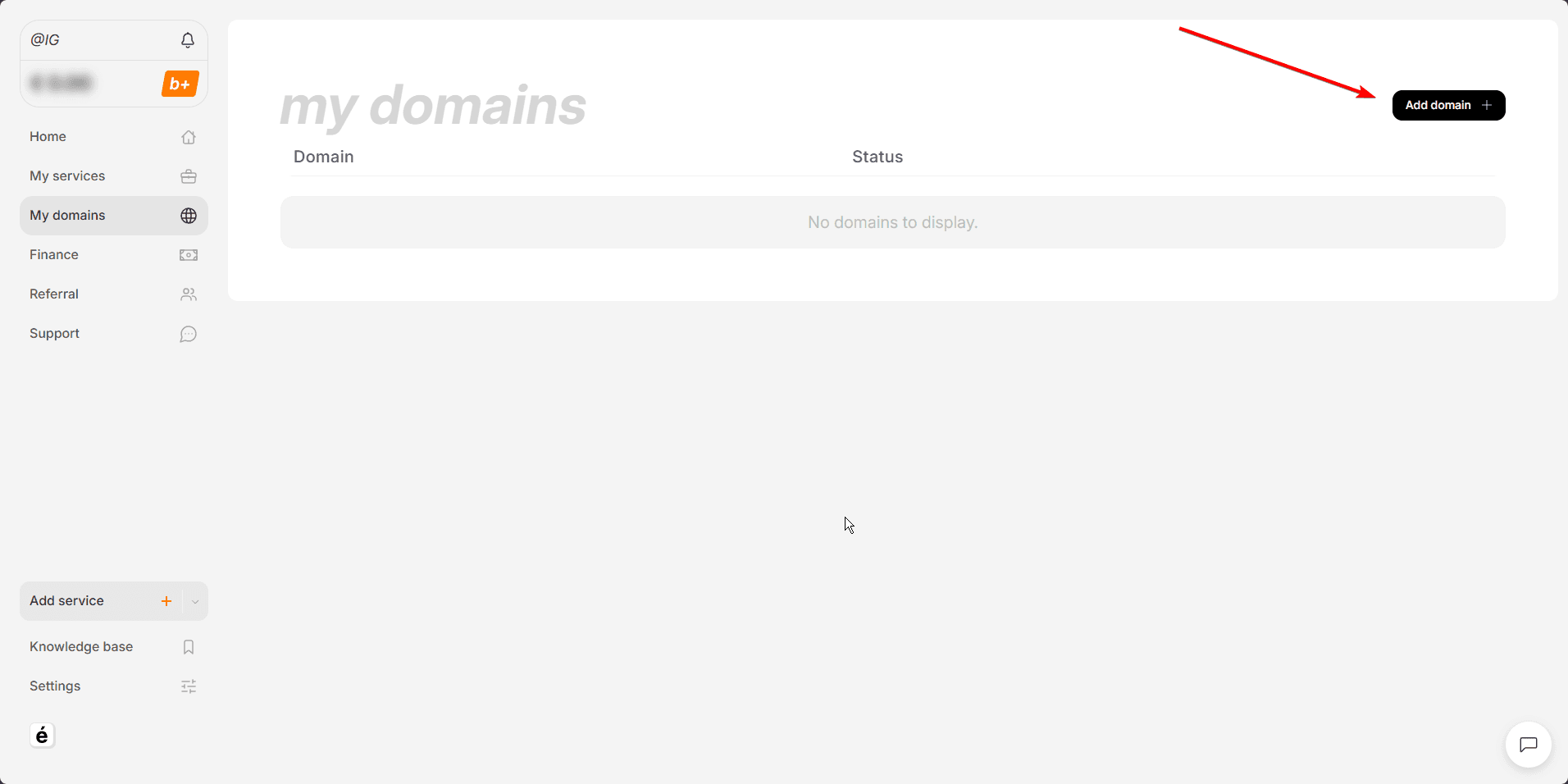
In the Aéza control panel, go to the My Domains page and click Add Domain.
Enter your domain name and click Add Domain.
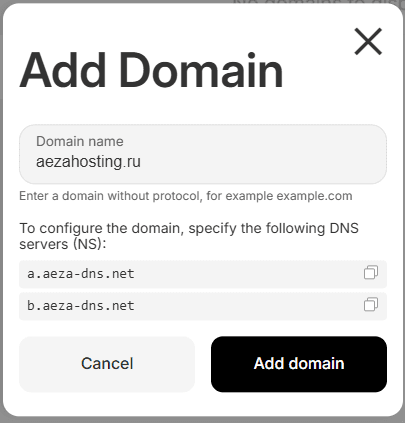
Next, configure your domain's registrar to use the following nameservers: a.aeza-dns.net and b.aeza-dns.net.
Updating nameserver (NS) records usually takes up to 24 hours, but in some cases it may take up to 72 hours.
Once the nameservers have been updated, the domain status will change to Active, and you will be able to manage the domain's DNS records.