
OS reinstallation
On virtual servers the system reinstallation process is simple. Let's figure it out!
Go to the services page by selecting it from the section "services"
Click on the three dots in the upper right corner and select Reinstall:

Next we need to choose the appropriate system option (or pre-installed script), for example let's take Debian 12.
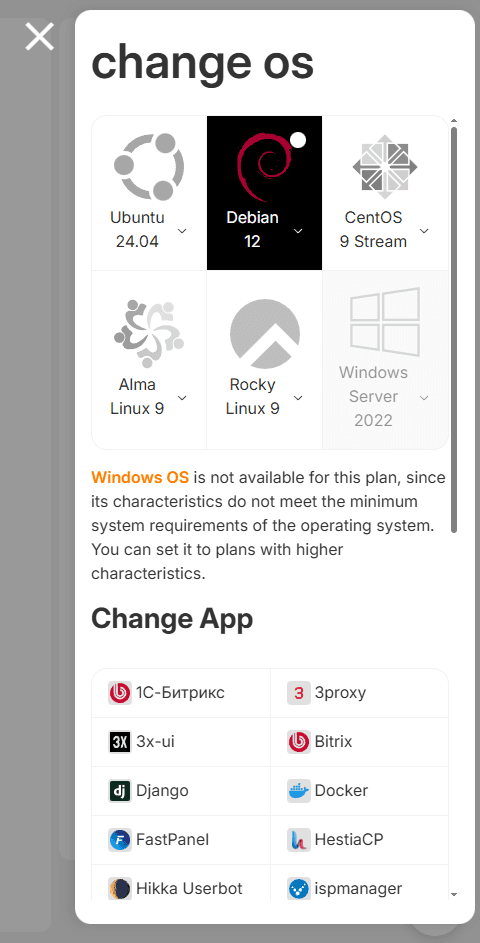
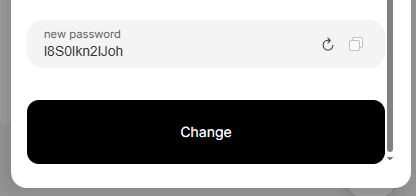
After that we enter a new password or use the generated one. Click the Change button.
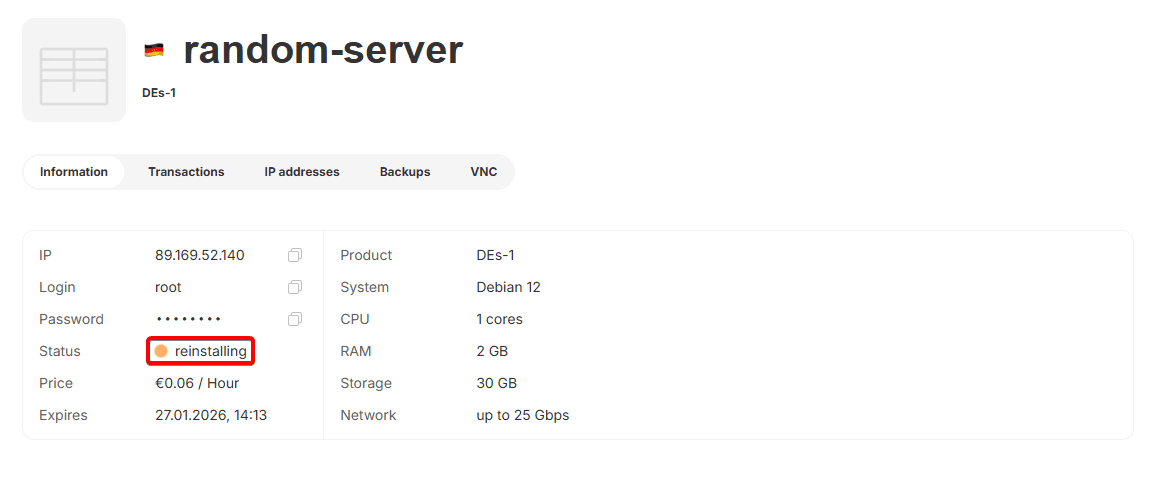
The operating system reinstallation process has begun.
Let's try to connect to the virtual server on Debian via SSH:
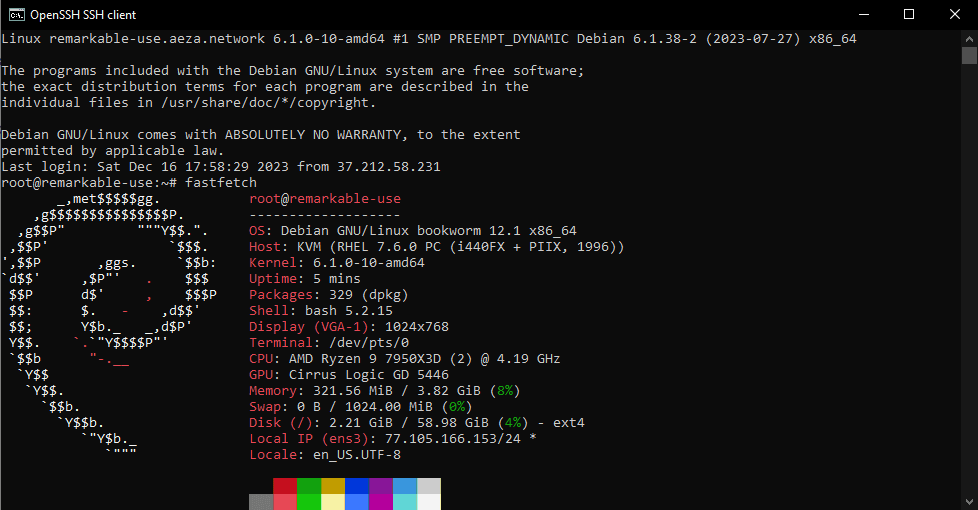
It worked! The operating system has been successfully reinstalled.
What is IOPS?
IOPS (Input/Output Operations Per Second) is an important performance indicator for virtual servers, which determines how many read/write operations a server can perform in one second.
How to purchase an additional IP address (IPv4)
By default, we provide each server with a separate dedicated IP address, however, if you need to supplement it with additional addresses, this instenction is for you!