
How to purchase an additional IP address (IPv4)
By default, we provide each server with a separate dedicated IP address, however, if you need to supplement it with additional addresses, this instenction is for you!
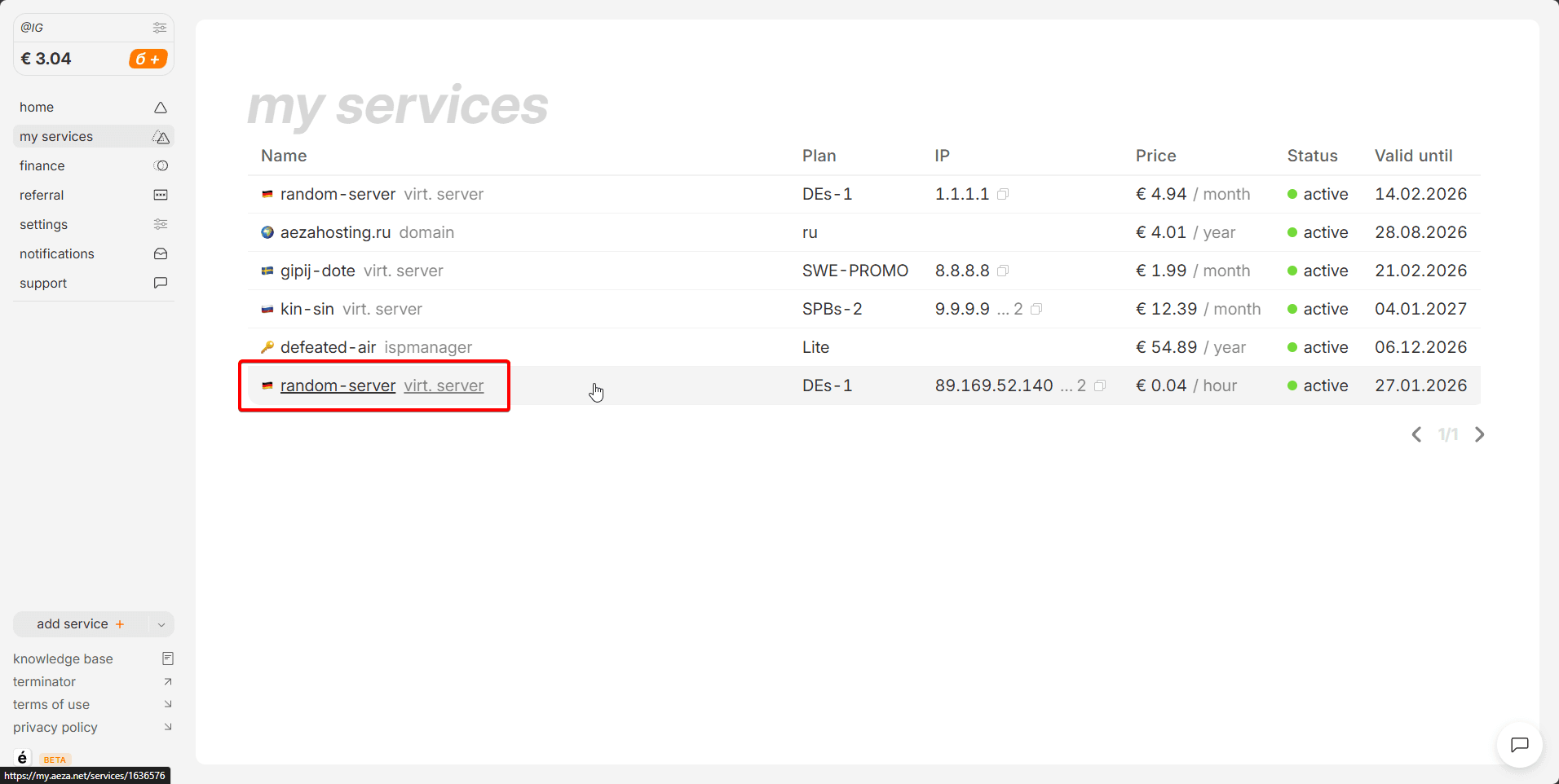
Go to the "services" section and click the arrow next to the server to which we want to add an additional IP address.:
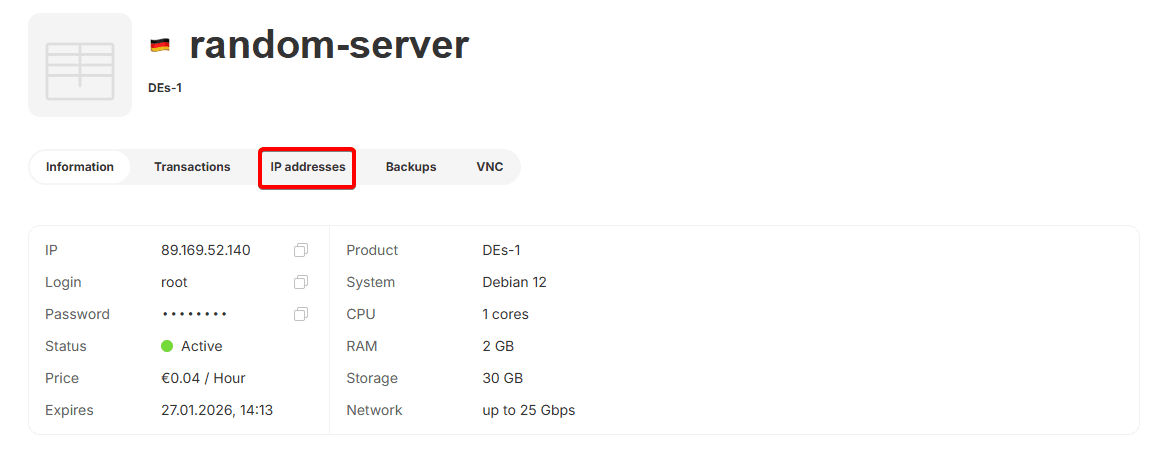
Let's open the "IP Addresses" section.
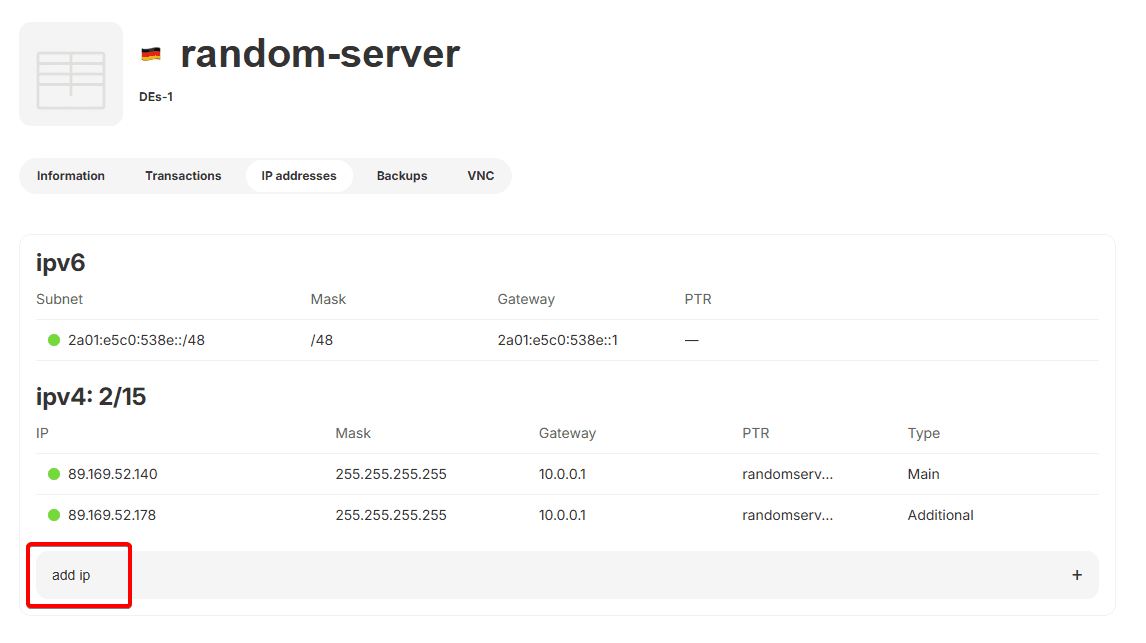
Click the "Add IP" button.
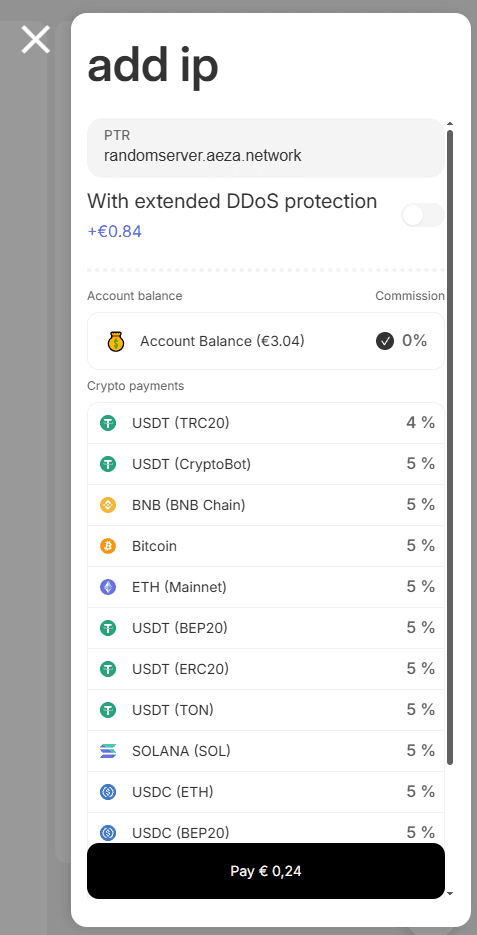
Next, in the window that opens, select the desired payment method and click the "Pay" button.
Information
The price of the additional IP address will be calculated based on the paid period of your server hosting tariff.
After purchase, you will be able to see the status of the IP address addition service. It will take about a minute to connect (create) it.

After creation, it will appear in the "IP Addresses" tab

Congratulations
Your server now has multiple IP addresses that allow you to make incoming or outgoing connections and browse websites.