
Setting up recommended VPN clients
This instruction will describe step-by-step setup of our recommended VPN clients
Happ (Android)
Download and install the application: https://www.happ.su/main/ru
Copy the VLESS key that starts with vless:// from the service or 3x-ui/marzban panels:

Go to the application and paste the key from clipboard:
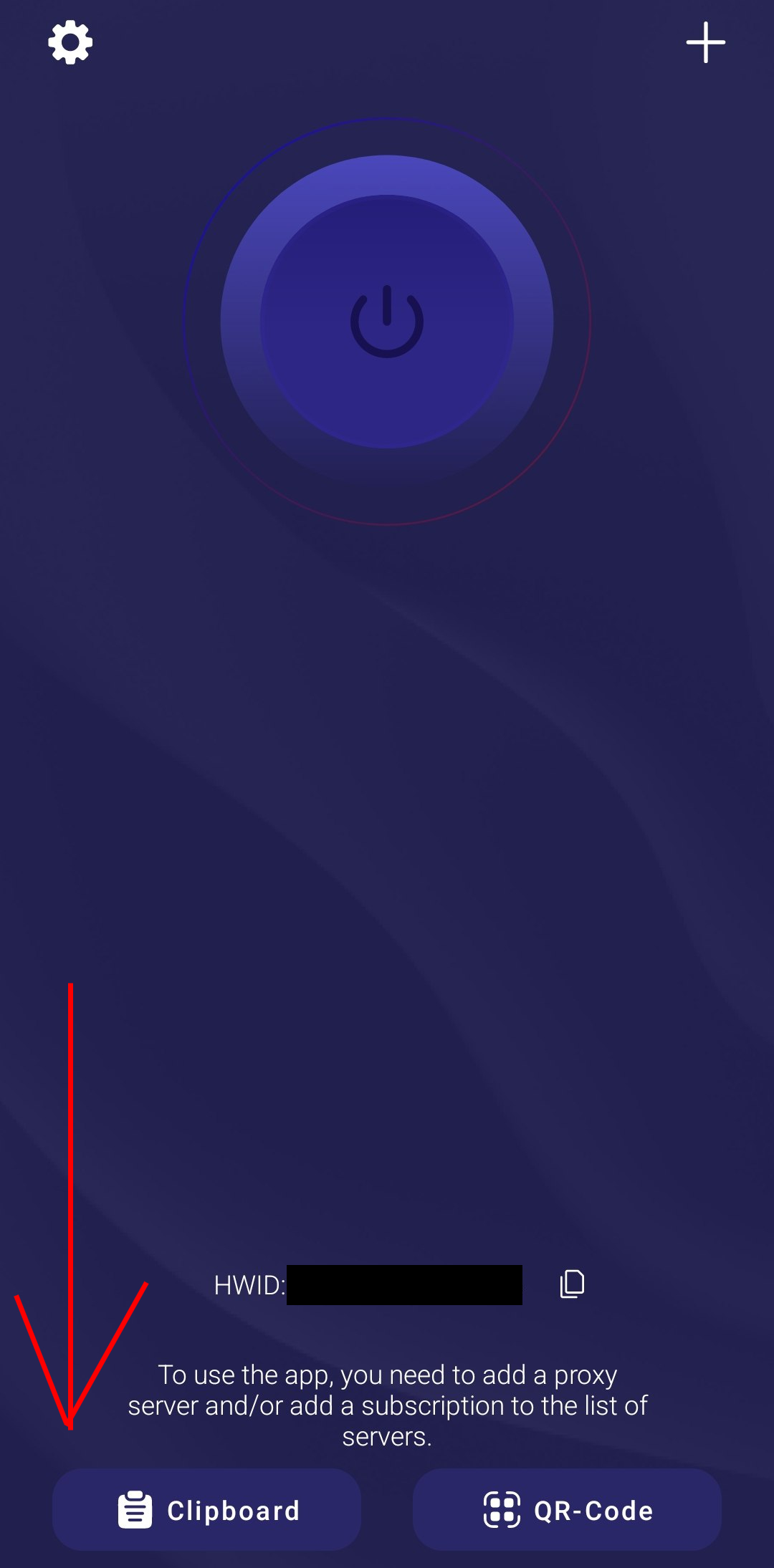
Then press the enable button:
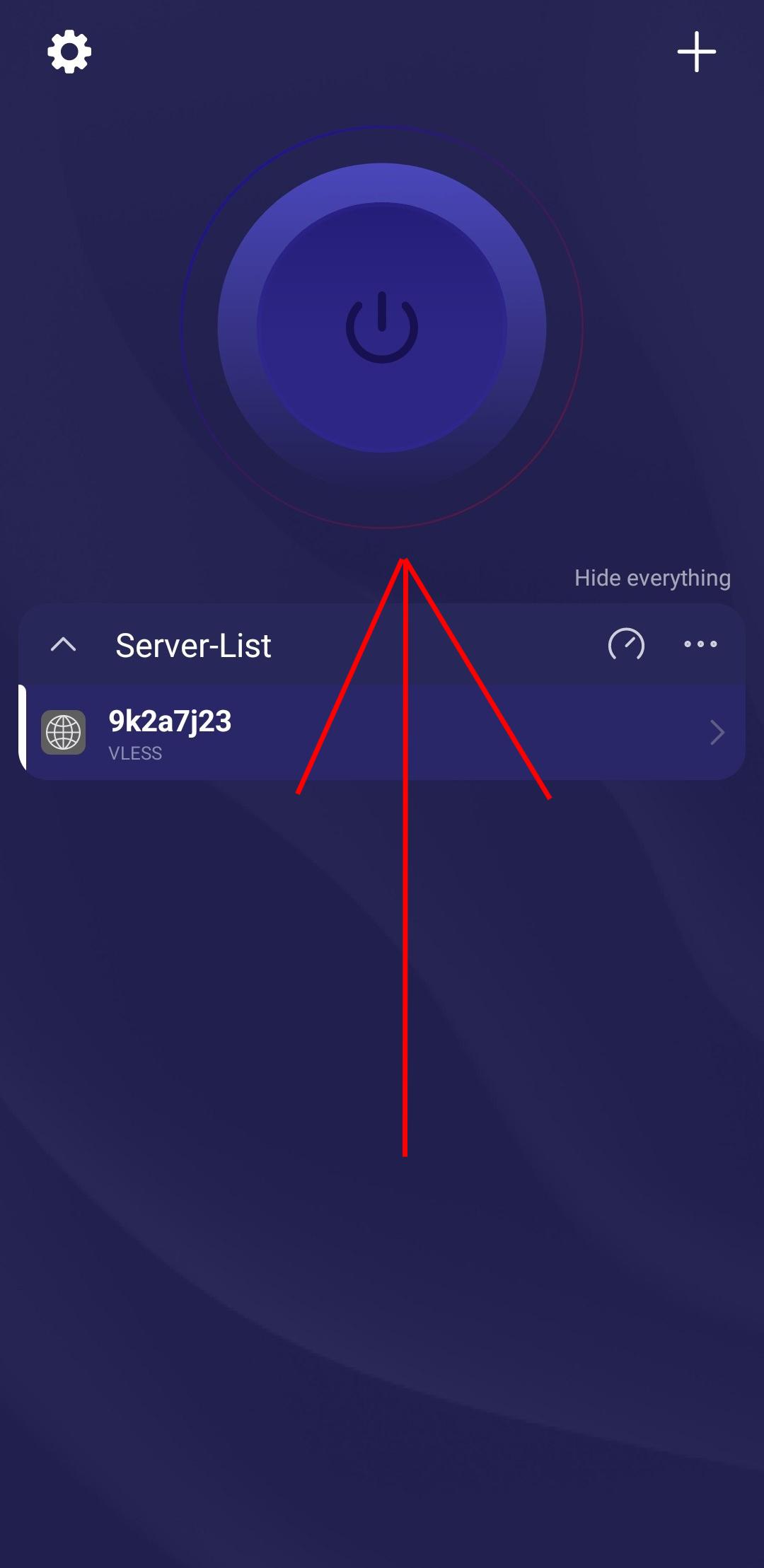
Done! VPN is enabled!
V2RayTun (iOS, MacOS)
Download and install the application: https://apps.apple.com/kz/app/v2raytun/id6476628951
Copy the VLESS key that starts with vless:// from the service or 3x-ui/marzban panels:

Go to the application and paste the key from clipboard:
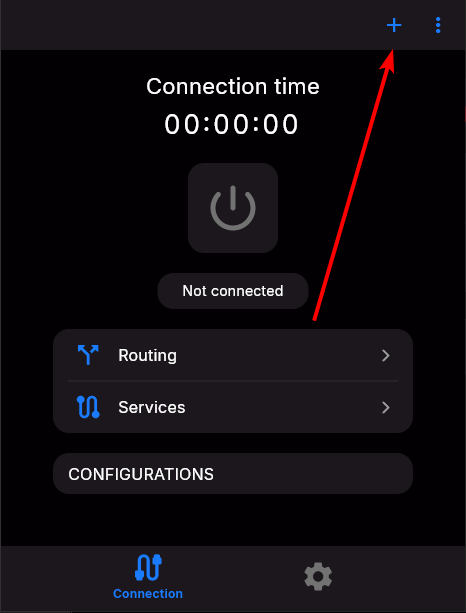
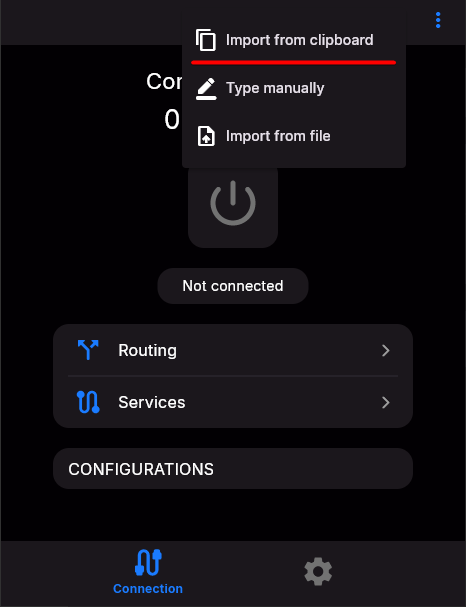
Then press the enable button:
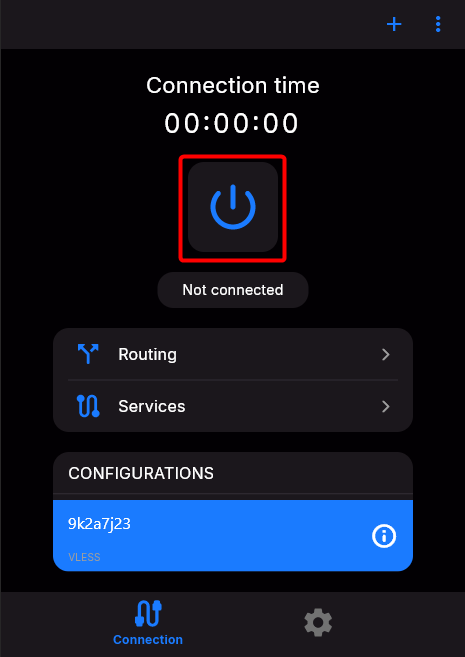
Done! VPN is enabled!
Throne (Windows, Linux)
You can install and configure Throne by following these instructions: https://wiki.aeza.net/en/guides/throne/