What is "Auto-renewal"
In this section we will tell you about the features of the Auto-renewal setting for virtual and dedicated servers, domains.
Auto-renewal is a setting available for any purchased service on its management page or general page with a list of your services.
With active auto-renewal, upon expiration of your service, Aéza will try to renew the service for a new period from your hosting balance. In case of success, you will be able to continue using the service.
If you topped up your personal account balance later than the end time of the service, auto-renewal will not work, you will need to extend the service yourself.
Reasons to keep auto-renewal active
We recommend not disabling auto-renewal for critically important servers, since disabling this setting may result in losing the desired service at the end of the paid period.
If you have not paid for a domain or server, other users can buy them out, including the domain address, your server's IP address, your capacities in the previous location, depriving you of the ability to regain access to them or restore your data.
How to disable auto-renewal when purchasing a service
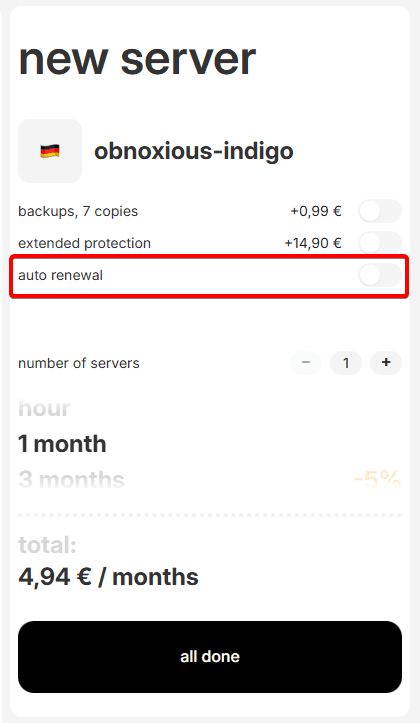
By default, auto-renewal is enabled automatically, however you can disable it at the time of purchasing a new service by unchecking the corresponding checkbox under the "Pay" button:
How to disable auto-renewal for an active service
Go to the "Services" section and click on the three dots on the right side of the screen relative to the desired service. Click the "Auto-renewal" button.
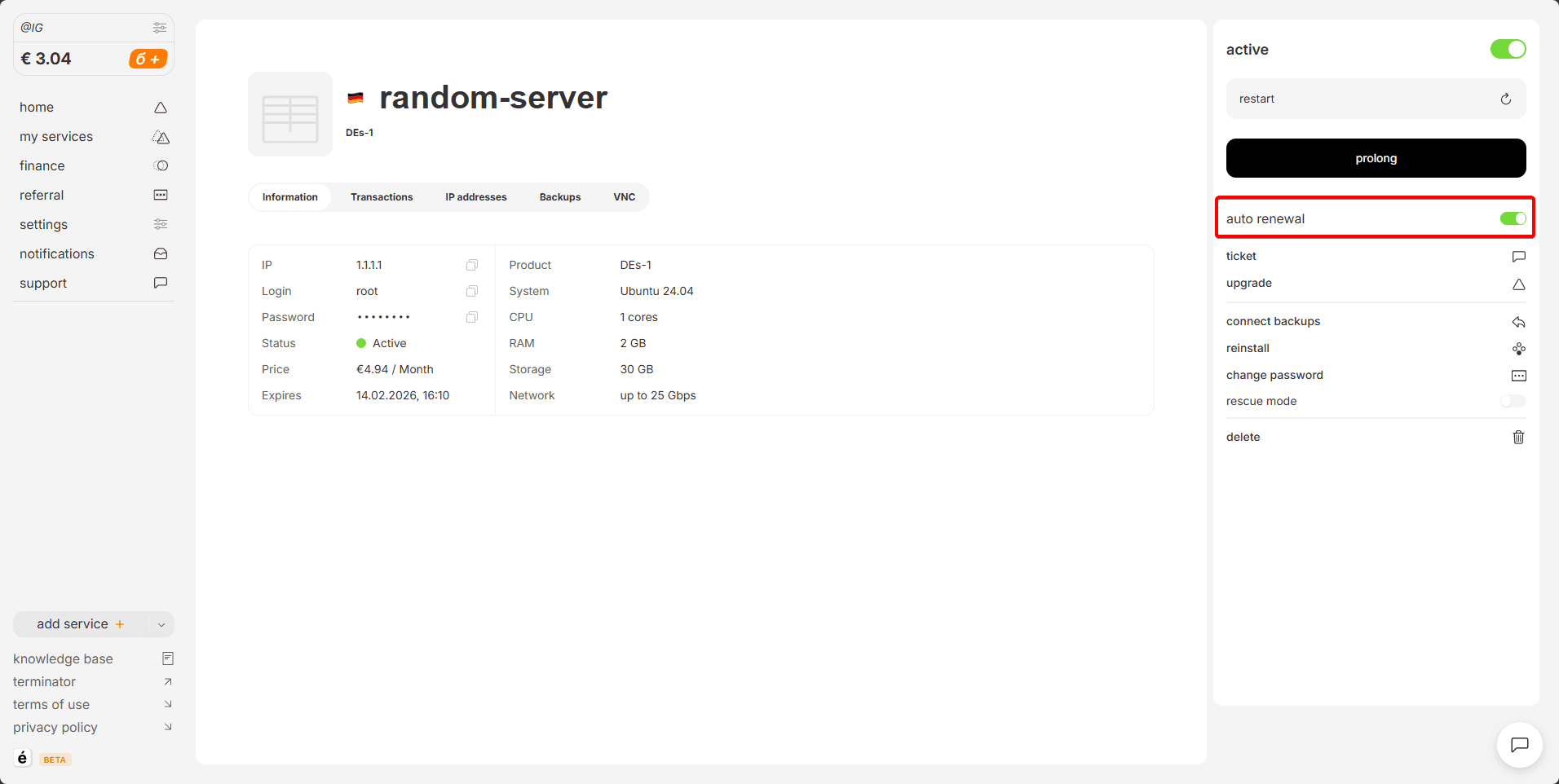
After this, auto-renewal will stop working.
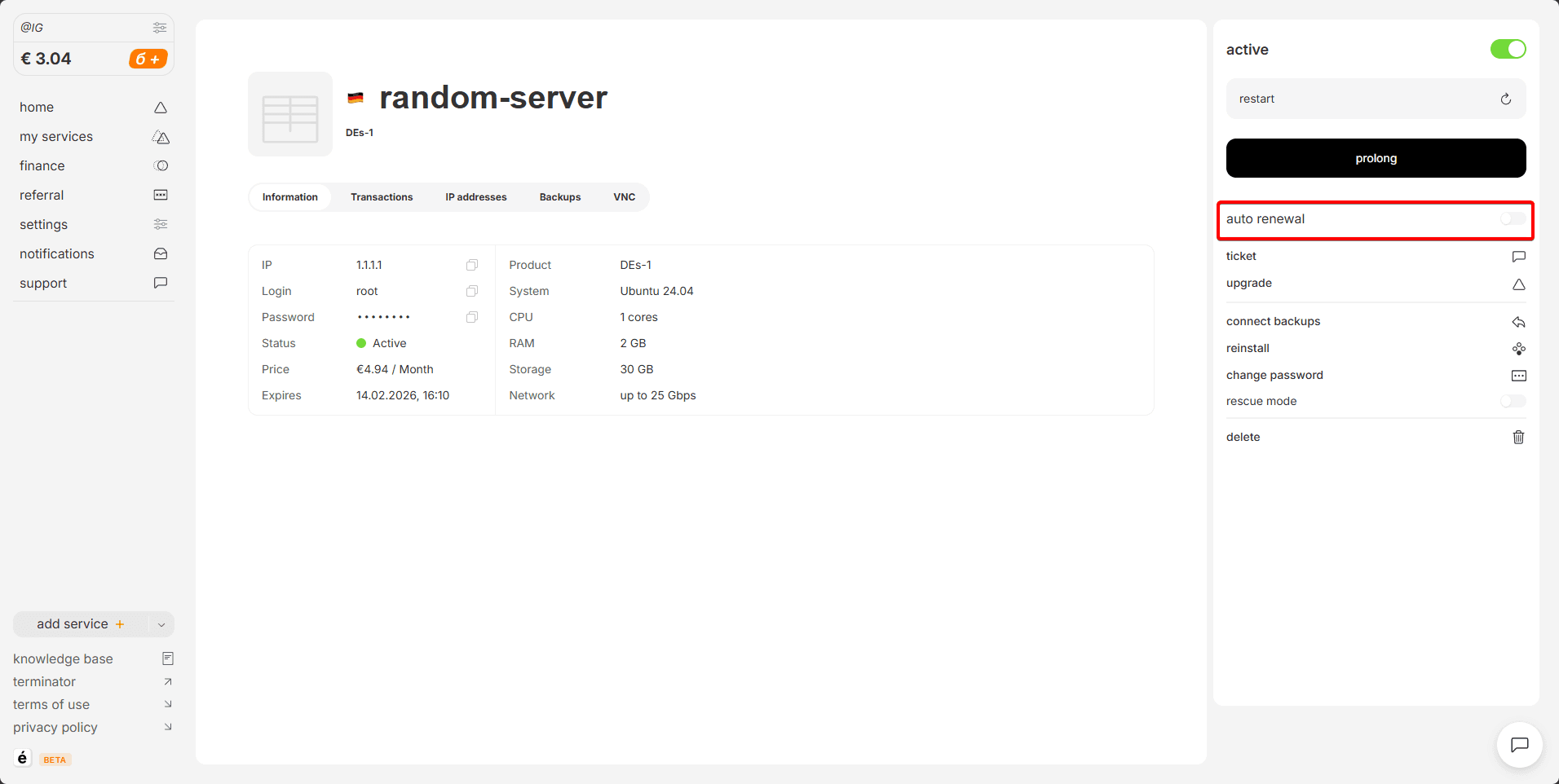
You can turn it back on at any time in the same menu section.